Inside: why TikTok matters, the six content pillars with ideas you can film this week, a simple editing guide for videos that hold attention, and how to keep your static posts looking professional with Canva.
1. If you are not on TikTok, you are missing out
TikTok is where you will get the most viewers. A huge portion of local parents and kids are scrolling there right now, and not seeing you.
Why it matters
TikTok shows your videos to people who do not follow you yet, based on what they watch. A good video from a small gym can reach thousands of local families, which is very hard to do on a feed that mostly shows your existing followers. Post the same videos to TikTok, Instagram Reels and Facebook Reels. Film once, post three times.
But be clear with your targeting
Reach only helps if it reaches the right people. Tell the app, and the viewer, exactly who the video is for.
Use location hashtags
- #Brisbane
- #BrisbaneKids
- #SydneyCheer
- #AucklandParents
Call out your audience
- "Sydney parents, this one is for you"
- "Brisbane mums of 5 to 8 year olds"
- "If your child loves cartwheeling around the house"
Also do this
- Put your suburb and city in your bio, and in the video itself
- Add the location tag to every post
- Use a mix of a few location hashtags and a few topic hashtags, not 30
- Reply to comments quickly, as it tells the app people are interested
2. Pillars 1 to 3: show your teams, teach skills, go behind the scenes
These three pillars are the heart of your feed. Aim to mix them every week so there is always something new.
Pillar 1: your teams each week
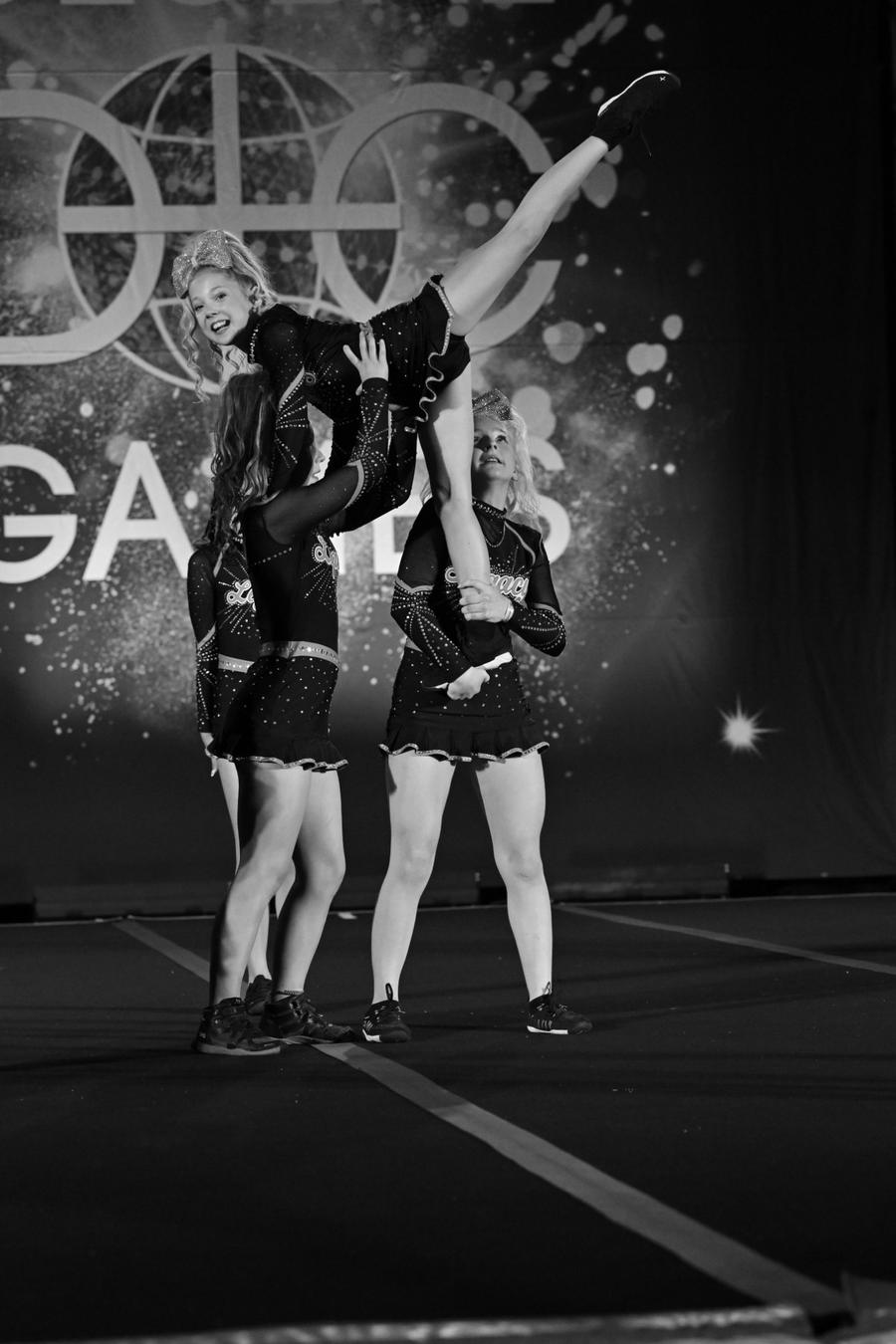
Show what your teams are getting up to. Ideas: team spotlights, practice day highlights, a first cartwheel, a new skill landed. Show a variety of teams, not just your high level athletes. Include beginners and tinies, so families can see that beginners and little ones are welcome.
Pillar 2: educational content
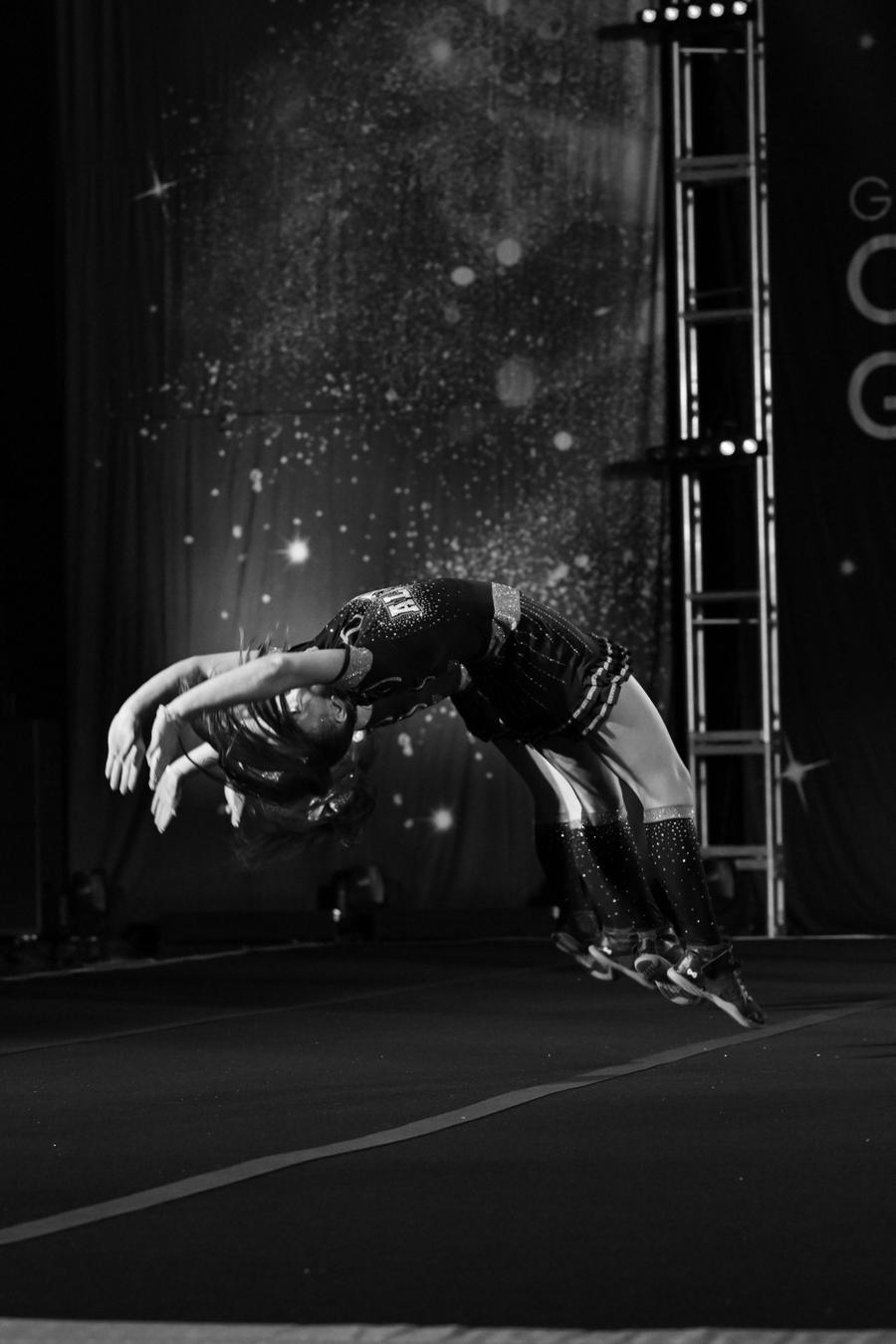
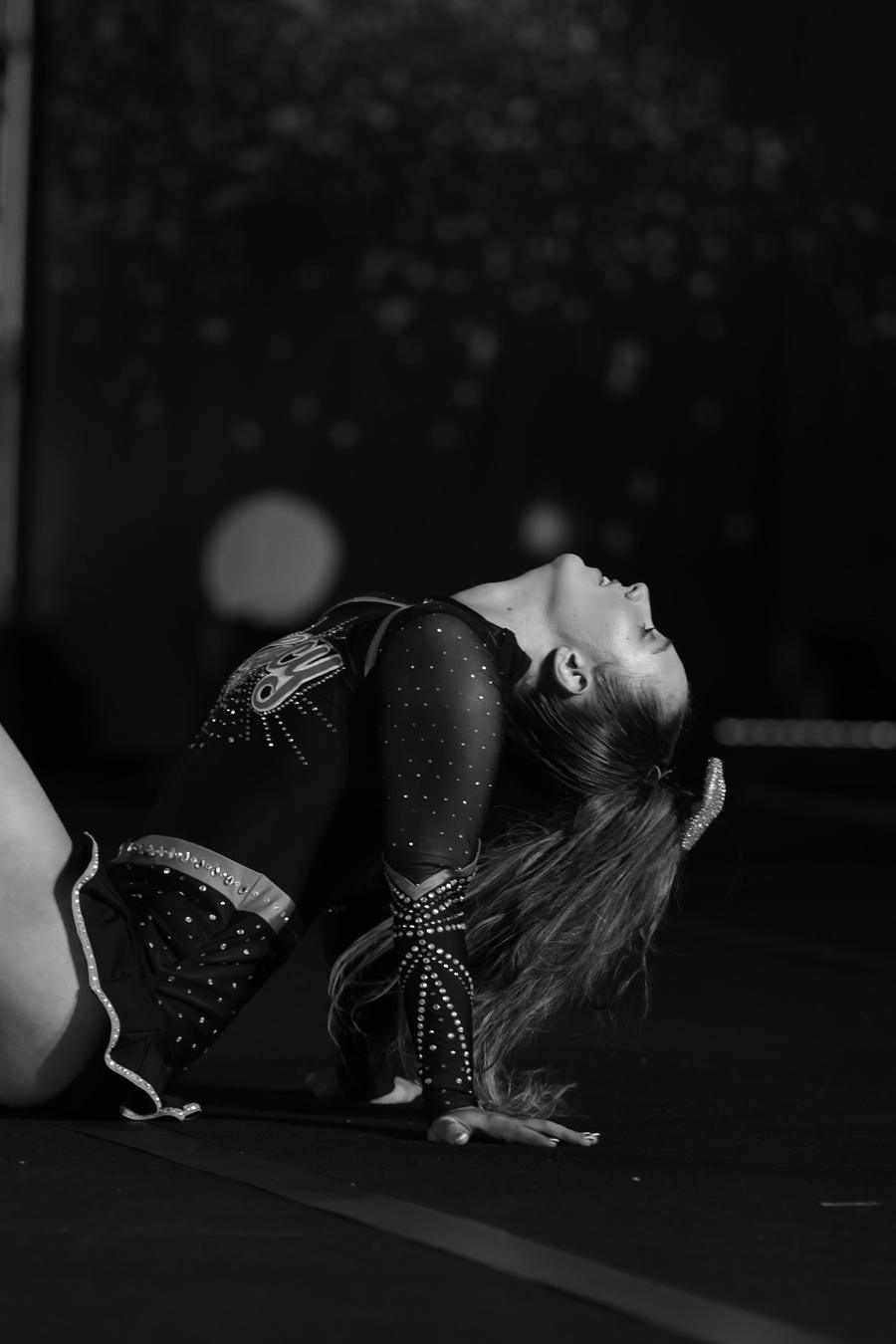
This one is huge. Post quick tips, like "How to improve your back walkover", "Here is how to do a handstand" or "Three simple steps to nail your cartwheel".
It reaches parents of children who are not in your program, or not in cheerleading at all. If they have shown interest in these topics, your video can be served to them, introducing them to your gym and your location. They are likely to save it, share it or follow you for more tips, which brings them into your gym's universe and gives you a much higher chance of converting them.
Pillar 3: behind the scenes
Show the gym, the coaches at work and the people behind the program. Ideas: a day in the life of a coach, getting to know a team, setting up the floor, a coach meeting the new beginners. Parents want to know who their child will be spending time with.
Hook ideas to borrow
"3 steps to your first cartwheel" · "Brisbane parents, here is what a first class looks like" · "Meet the coach who teaches our tinies"
3. Pillars 4 to 6: add fun, show results, keep families informed
Entertain people, show off what you are proud of, and keep your current families in the loop.
Pillar 4: humour and trends
Add a bit of humour or follow a trend with your team. Use a trending sound, a relatable parent moment or a coach joke. It makes your gym feel fun, and it increases engagement.
Pillar 5: competition highlights
Show performances and results. It is super exciting to watch, which helps increase your reach. Post the routine, the reaction when results are announced, and the team celebrating. Also great social proof for new families.
Pillar 6: gym updates
These can be static posts. Share important dates, team announcements, upcoming events, term starts, trial days and timetable changes. Keep these short and easy to read so parents can find the information quickly.
A simple weekly plan
- Monday: a team or practice day highlight (pillar 1)
- Wednesday: a tip video, like a handstand or cartwheel tutorial (pillar 2)
- Friday: a fun trend, a behind the scenes clip or competition highlight (pillars 3 to 5)
- As needed: a static gym update or team announcement (pillar 6)
4. Make videos people actually watch
If your videos are too slow, too long or do not have an engaging hook, people will simply keep scrolling.
Do
- Start with the hook. Get straight to the point in the first second
- Keep them interesting and short
- Use trending music where it fits
- Use fast cuts so the pace never drops
- Add captions. Most people watch with the sound off
- Put text on screen so the point is clear at a glance
- Use relevant hashtags for your location and audience, like #Brisbane and #BrisbaneParents
Don't
- Start with a 3 second pause and then say "Hey guys"
- Let the video drag on with no change
- Post long, slow clips with no hook
- Rely on sound alone to explain it
- Use 30 random hashtags
Hook examples
Instead of: "Hey guys, welcome back to the gym today..." Try: "Sydney parents, watch your child nail a cartwheel in three steps."
Tools to edit
CapCut and the built in Instagram Edits app are both free and make captions, cuts and trending sounds easy. You can edit a video in a few minutes straight on your phone.
5. Keep your feed consistent and on brand
For your static posts, set up three branded templates in Canva so your feed looks consistent and professional.
Your three templates
- Competition results: placings, team name and a photo
- Gym and team announcements: new teams, term dates, trial days, events
- Other: quotes, tips, a team spotlight or a parent testimonial
Make them recognisable
Use your gym's branding on every template: the same fonts, the same colours and your logo. When someone sees a post in their feed, they should know it is yours straight away. Then each new post takes a couple of minutes: swap the photo, change the text, post.
Keep it simple
- One message per post
- Large, easy to read text
- Clear dates and times
Square or portrait
- Use the 4:5 portrait size for the most feed space
- Keep key text away from the edges
- Save finished templates in a brand folder
A few more habits that help
- Post at least 3 times a week, consistently
- Fix your bio: who you teach, where you are, and one link to book a free trial
- Reply to every comment and message quickly
- Check which videos get saves, shares and follows, then make more like them
Your quick checklist: six pillars, three platforms
- TikTok: posting there too, with location hashtags and a clear audience
- Your teams: a variety of levels, including beginners and tinies
- Educational: tips that reach parents who are not in your program yet
- Behind the scenes: coaches, the gym and the team
- Humour and trends: something fun to boost engagement
- Competition highlights and gym updates: results, dates and announcements
- Editing: a strong hook, captions, fast cuts and text on screen
- Canva: three branded templates for static posts
Want a hand with the paid side?
Full Out Digital builds and runs Meta ads for cheer gyms and dance studios across New Zealand and Australia. Just get in touch to learn more at poppy@fulloutdigital.com.